How Website Speed Shapes User Experience on Wix Websites
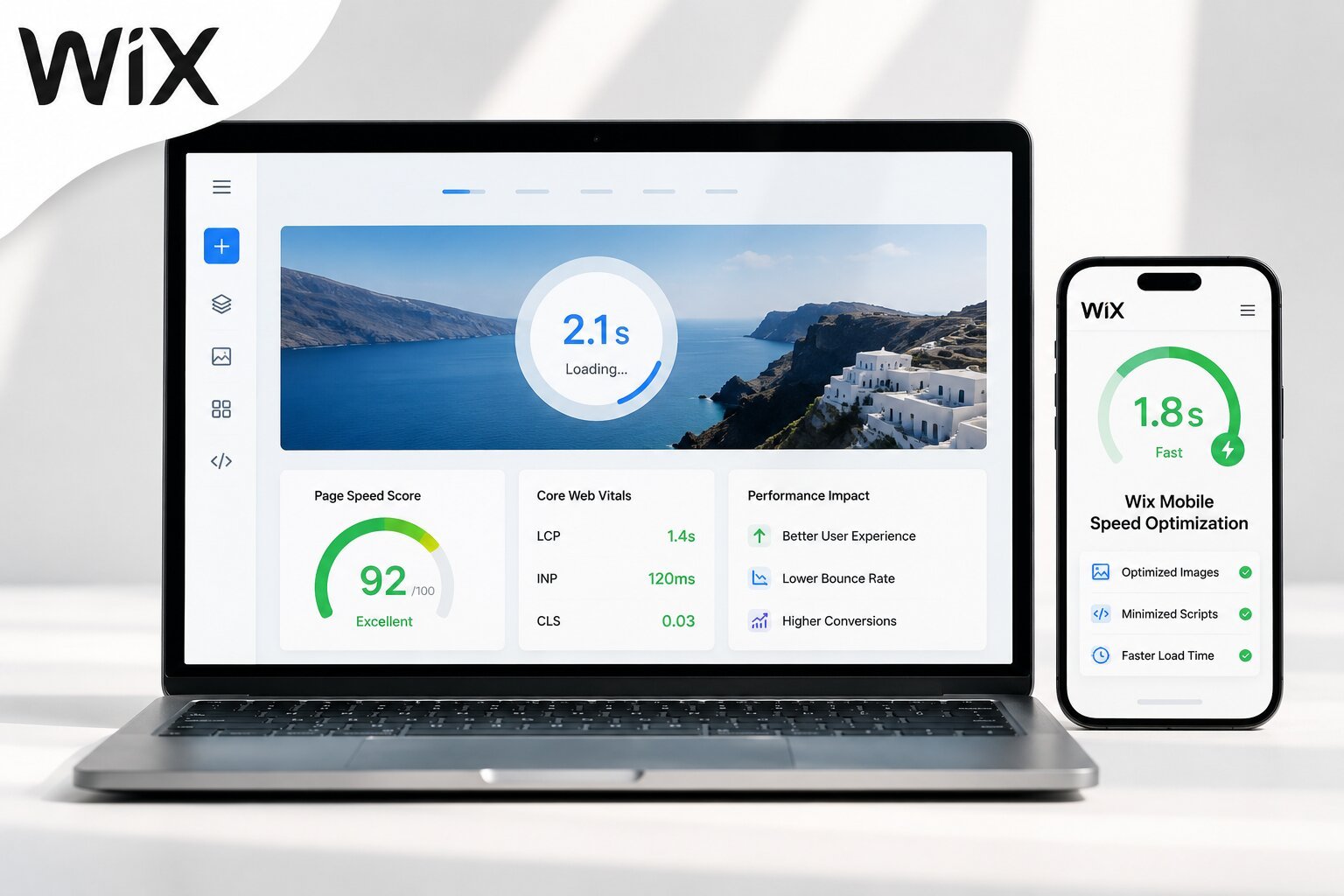
Speed is the silent gatekeeper of every website. A visitor lands on a Wix page, and within two or three seconds, they’ve already made a decision: stay or leave. No headline, no product photo, no carefully written copy has had a chance to do its job yet. Wix has invested heavily in platform performance over the past several years, and those improvements are real.
But Wix website speed is never fully determined by the platform alone. The structure of the site, the size of its media files, and the number of scripts running in the background all shape what a real visitor actually experiences the moment a page begins to load.
A Few Seconds Can Cost You the Whole Visit
The difference between a one-second load time and a four-second load time is the difference between a visitor who stays and one who never returns. Around 53% of mobile visitors abandon a page that takes more than three seconds to load. That number doesn’t shrink with better content or stronger branding. It only improves when the page itself loads faster.
Wix’s platform-wide average load time reached 2.7 seconds in 2025, a sign that the infrastructure is improving. But averages don’t reflect individual sites. A Wix site built with compressed images, minimal third-party apps, and a clean layout can load in under two seconds. One built without those considerations can exceed five. The platform provides the foundation; the decisions made during the build determine how much weight gets stacked on top of it.
Slow Pages Change How Visitors Behave
Speed doesn’t just affect whether someone stays, it changes what they do once they arrive. A page that loads slowly creates friction before a single interaction takes place. Visitors become impatient. They scroll less, click less, and trust the brand less, even subconsciously, because the experience already felt unreliable.
Conversion data reflects this directly. Sites that load in one second convert at nearly double the rate of sites taking six seconds. A 0.1-second improvement in mobile load time has been shown to increase retail conversions by 8.4%. For a Wix-based business, these aren’t marginal gains. They’re the difference between a visitor who books and one who bounces.
What’s Actually Making Wix Sites Load Slowly
Wix handles a significant amount of optimization automatically, global CDN delivery, image conversion to AVIF and WebP, and native lazy loading are all baked into the platform. The slowdowns that matter happen above that infrastructure level, in decisions made during the build.
Images That Were Never Resized Before Upload
The most common culprit across slow Wix sites is oversized images. Uploading a raw 5MB file from a camera roll and letting Wix handle the rest creates unnecessary overhead, even with automatic compression in place. Images should be resized to the maximum display width before uploading, typically 1,200 to 1,500px for hero images and kept under 200KB where possible. JPG works best for photographs; PNG should be reserved for graphics requiring transparency.
Apps Running on Pages They Don’t Serve
Every app from the Wix App Market adds its own JavaScript bundle and network requests, and those requests fire whether the app serves a purpose on that page or not. A live chat widget on a checkout confirmation page. A review aggregator is loading on a contact form. None of these serve the visitor, but all of them add load time. Scoping each app to only the pages where it’s genuinely needed, and removing anything no longer active, is one of the fastest ways to reduce page weight without touching a single image.
Marketing Pixels Added Without a Container
Facebook, TikTok, and Google Ads pixels are often added individually through Wix’s Tracking & Analytics panel. Each fires separately, most load synchronously, and the browser pauses rendering until each script is fetched. Routing all tracking through a single Google Tag Manager container reduces this to one network request with controlled load order, recovering several hundred milliseconds on pages running multiple active pixels.
Mobile Load Times Are a Separate Problem
Desktop and mobile performance on Wix are not the same challenge, and treating them as one is where many sites fall short. Since Google uses mobile-first indexing, the mobile version of a page determines search rankings.
One issue specific to Wix is that elements hidden in the mobile editor are still fetched by the browser. They’re invisible to the visitor but present in the page download, adding real weight on slower connections. Keeping above-the-fold content lean on mobile, avoiding autoplay videos, heavy animations, and decorative sections that don’t serve the mobile visitor makes a measurable difference without requiring a full site rebuild.
Tracking Performance Over Time
Every new image, every installed app, and every new tracking script can shift a site’s load time. Using a website speed optimizer on a rolling basis rather than checking once at launch is what separates sites that maintain their rankings from those that gradually slip.
Google PageSpeed Insights layers on top with Lighthouse diagnostics that surface specific technical issues. Running both regularly, especially after content updates or new app installations, catches regressions before they compound.
Conclusion
Wix website speed is shaped more by how a site is built than by the platform it runs on. Oversized images, unchecked app installations, unmanaged tracking pixels, and neglected mobile performance are the real drivers of slow Wix sites. Addressing these at the site level and monitoring them consistently over time is what determines whether a Wix site holds its rankings, retains visitors, and converts the traffic it earns.
FAQ
What is a realistic load time target for a Wix site?
Under two seconds is considered strong on a desktop. On mobile, under 2.5 seconds is the goal. The platform average sits at 2.7 seconds, but optimized Wix sites regularly beat that threshold.
Do hidden mobile elements still affect Wix load time?
Yes. Elements hidden in the Wix mobile editor are still downloaded by the browser, just not displayed. This adds real page weight, particularly on slower mobile connections.
How many apps are too many for Wix performance?
Three or more apps running simultaneously on the same page add significant JavaScript weight. Each app should be limited to only the pages where it actively serves a purpose.





Post Comment