Is a Virtual Medical Scribe Right for Clinics?
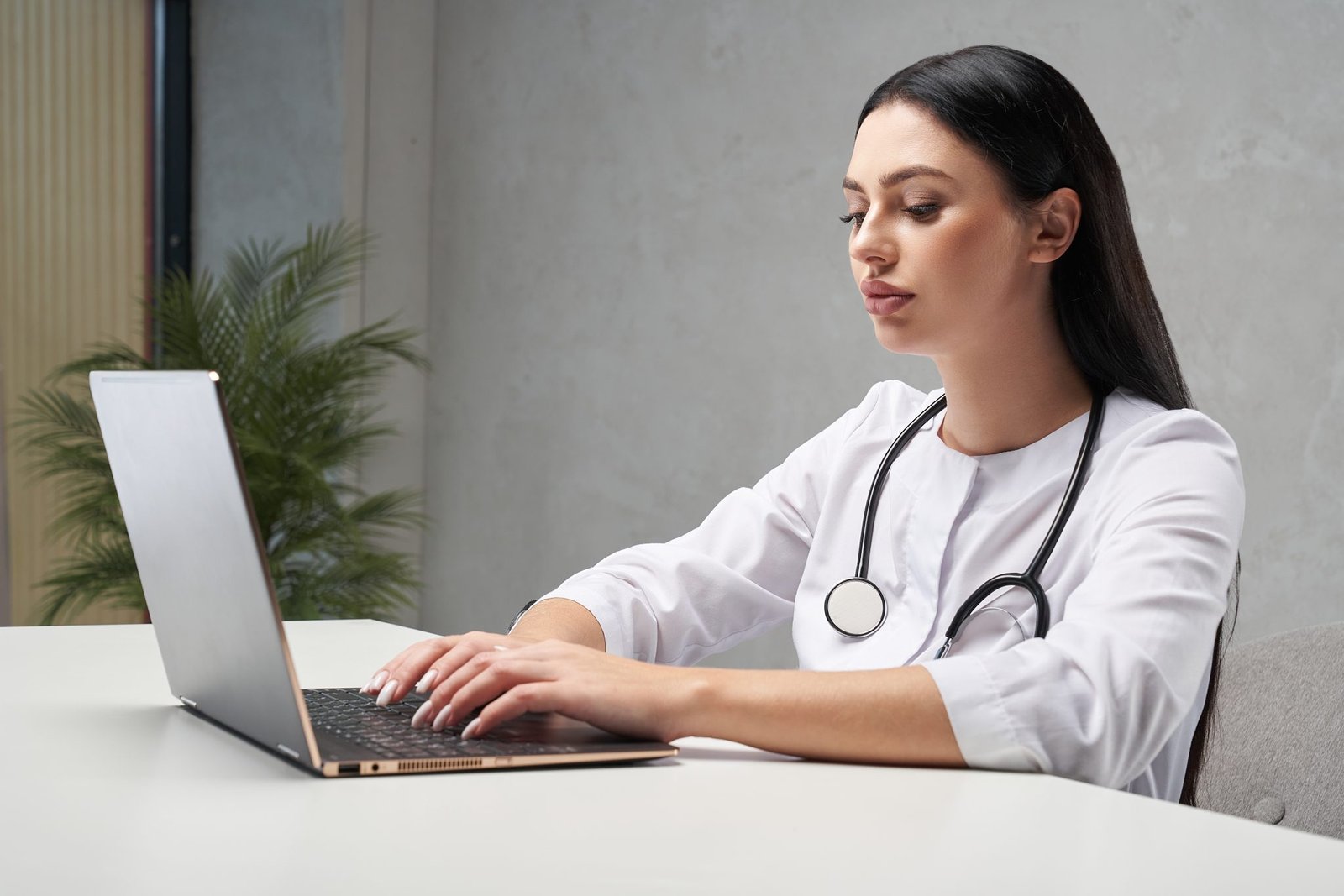
The modern healthcare landscape demands a delicate balance between patient interaction and meticulous documentation. Healthcare providers frequently find themselves spending hours after closing time typing notes, updating charts, and navigating Electronic Health Record systems. Utilizing a Virtual Medical Scribe can dramatically reduce this administrative burden by handling documentation tasks in real time from a remote location. This administrative solution allows practitioners to focus entirely on patient interactions rather than screens during consultations.
-
-
Documentation Support: Remote assistants handle data entry, note taking, and administrative organization during patient visits.
-
Focus Restoration: Practitioners can look directly at patients, enhancing communication and relationship building without digital distractions.
-
Burnout Prevention: Eliminating hours of charting after standard hours directly minimizes operational stress and administrative exhaustion.
-
Understanding the Operational Burden of Modern Documentation
The volume of administrative tasks required for a single patient encounter has grown exponentially over the past decade. Every consultation requires detailed charting, coding accuracy, history compiling, and immediate update of care plans. When practitioners attempt to complete these tasks during the visit, eye contact is lost, and the patient encounter can feel cold and rushed. Conversely, saving charting for the end of the day leads to extended shifts, charting fatigue, and potential data omission due to delayed entry.
-
Compounded EHR Tasks: Data entry requirements demand complex navigating through screens, checkboxes, and drop-down menus for every encounter.
-
Delayed Administrative Work: Postponing documentation tasks creates a backlog that extends the working day long after final patient departures.
-
Altered Visit Dynamics: Dividing attention between a computer monitor and an individual reduces the quality of active listening and patient comfort.
The Phenomenon of Pajama Time
The phrase “pajama time” has emerged in the healthcare sector to describe the hours practitioners spend completing charts at home late at night. This unpaid, exhausting documentation routine steals away personal time, diminishes sleep quality, and serves as a primary driver for industry-wide professional fatigue. This exhausting reality prompts many practice administrators to seek external operational solutions to reclaim control over daily schedules.
-
Encroaching Personal Time: Administrative duties cross the threshold into domestic life, preventing proper rest and work-life separation.
-
Mental Fatigue Accumulation: Documenting complex interactions hours after they happen increases cognitive load and introduces chart stress.
-
Systemic Dissatisfaction: Continuous documentation cycles outside operating hours reduce long-term career satisfaction and operational morale.
What is a Virtual Medical Scribe?
A remote documentation assistant is a highly trained professional who assists healthcare providers by handling documentation workflows from a secure, off-site location. Operating via secure audio or video feeds, these specialists listen to patient encounters live or review recorded encounters to populate electronic records. They understand complex terminology, anatomical concepts, and data management systems, allowing them to draft comprehensive progress notes, history of present illness, and review of systems.
-
Remote Operational Model: Specialists work from secure, off-site environments, connecting seamlessly to exam spaces via encrypted communication software.
-
Real-Time Integration: Notes are updated dynamically during or immediately following the consultation, ensuring high accuracy and quick turnaround.
-
Specialized Training Foundation: Professionals possess a strong background in healthcare terminology, chart structural rules, and system navigation.
Synchronous vs Asynchronous Scribing Models
Facilities can implement remote documentation assistance through two distinct models depending on their specific operational workflows. The synchronous model involves a live specialist listening to the consultation via a secure link and inputting data as the conversation occurs. The asynchronous model relies on recorded audio files uploaded securely after the visit, which the specialist processes into structured documentation within a specified timeframe.
-
Live Synchronous Delivery: Provides immediate document completion during the session, meaning records are finalized almost instantly after the patient departs.
-
Recorded Asynchronous Processing: Offers flexible workflow integration, allowing practitioners to record summaries at their convenience for later transcription.
-
Workflow Adaptation Options: Facilities can select the dynamic that fits their scheduling pace, space availability, and provider preferences.
Core Operational Benefits for Medical Facilities
The implementation of remote documentation support ripples through every layer of a practice, optimizing workflows and improving general workplace conditions. By offloading data entry, facilities unlock hidden capacity, streamline patient throughput, and create a more sustainable environment for their staff.
-
Workflow Acceleration: Eliminating mid-day charting backlogs keeps patient schedules running on time without administrative delays.
-
Enhanced Retention: Improving daily working conditions makes the facility highly attractive to top-tier healthcare professionals.
-
Data Organization Excellence: Standardized note-taking protocols ensure records are consistently thorough, organized, and compliant with administrative standards.
Maximizing Daily Patient Capacity
When a professional handles the documentation process, the time required for each patient encounter decreases significantly. Providers no longer need extra minutes between appointments to catch up on typing, nor do they feel compelled to limit their daily schedule to avoid a massive charting backlog. This newfound efficiency allows the practice to accommodate additional appointments smoothly, helping more people in need of care without adding stress to the staff.
-
Reduced Turnaround Time: Faster documentation preparation shortens the intervals required between successive patient appointments.
-
Schedule Optimization Potential: Openings can be organized efficiently, expanding availability for urgent or same-day appointment requests.
-
Stress-Free Throughput: Increased patient numbers are managed comfortably because the paperwork burden does not scale with volume.
Elevating the Patient Experience
Patients notice immediately when a healthcare provider is fully present during an exam. Without a keyboard clicking or a screen blocking the view, conversations become more organic, empathetic, and focused. Patients feel heard, understood, and respected, which fosters deeper trust and enhances overall satisfaction with the care experience.
-
Undivided Provider Attention: Direct eye contact and focused body language convey empathy and deep professional commitment.
-
Organized Care Conversations: Interactions flow naturally without pauses for manual entry, making the session feel thorough yet efficient.
-
Clearer Communication Output: Providers have more freedom to explain concepts clearly when not rushed by lagging documentation tasks.
Integrating Scribes into Existing Workflows
Successful deployment of virtual documentation systems relies on thoughtful onboarding, technical integration, and clear communication with the existing office team. The transition should be viewed not as a disruption, but as an expansion of the support team designed to harmonize with current habits.
-
Technical Pre-Check Tasks: Ensure existing network connections, hardware tools, and security certificates match system operational parameters.
-
Team Alignment Meetings: Educate internal staff on how remote support roles operate to ensure mutual assistance and smooth daily handoffs.
-
Iterative Adaptation Period: Plan for a brief learning curve as providers and remote professionals establish a comfortable communication rhythm.
Compatibility with Electronic Health Records
Remote documentation specialists are trained to adapt to various software environments used across the industry. Whether a facility utilizes large-scale enterprise databases or customized specialty platforms, virtual assistants access the system securely to enter data directly into the correct fields. This eliminates the need for internal staff to copy, paste, or transfer notes manually from secondary documents.
-
Direct Software Access: Professionals navigate specific platforms natively, respecting template configurations and customized field setups.
-
Universal Platform Agility: Training frameworks prepare assistants to transition smoothly across various proprietary healthcare interfaces.
-
No Internal Data Duplication: Direct entry preserves data integrity and removes the administrative risk of transcription transfer errors.
Patient Privacy and Security Measures
Maintaining data privacy is paramount when introducing any remote system into a medical workflow. Virtual documentation solutions utilize end-to-end encryption, secure VPN connections, and strict access controls to ensure all shared information remains fully protected. The professionals adhere to rigorous data handling protocols that align perfectly with modern privacy legislation and industry best practices.
-
Encrypted Transmission Pathways: Audio, video, and text data travel through secure channels, preventing unauthorized external interception.
-
Strict Access Control Levels: Remote professionals only access specific patient files relevant to their assigned provider’s active schedule.
-
Continuous Privacy Oversight: Periodic security audits and compliance tracking maintain high standards of digital safety and record protection.
Determining if Virtual Assistance Fits Your Practice
While the advantages of remote documentation support are extensive, facility managers should analyze specific internal factors to determine if this solution fits their unique setup. Evaluating existing challenges, provider tracking styles, and administrative bottlenecks will clarify if a virtual partnership is the ideal next step.
-
Documentation Bottleneck Evaluation: Track how many hours are currently lost to documentation backlog and late-night administration.
-
Provider Typographic Comfort: Assess whether providers struggle with typing speed or find computer work distracting during consultations.
-
Schedule Complexity Analysis: Review if high-volume scheduling or complex patient histories are causing operational delays.
Evaluating Practice Types and Volume
High-volume environments and specialties with extensive documentation guidelines benefit immensely from remote assistance. Practices that handle complex chronic care management, multi-system evaluations, or rapid-turnaround urgent visits see immediate relief when documentation tasks are offloaded to a dedicated assistant.
-
Complex Specialty Demands: Fields requiring long narrative histories find massive relief in comprehensive, real-time note drafting.
-
High-Volume Facilities: Quick-turnaround spaces utilize real-time assistants to maintain constant chart readiness throughout busy shifts.
-
Repetitive Administrative Routines: Routine tracking environments free up core staff to focus on patient-facing duties instead of entry loops.
Frequently Asked Questions
How do patients typically respond to a remote specialist participating in their visit?
Experience shows that the vast majority of individuals adapt comfortably to remote documentation assistance. When staff explain that the remote specialist is a secure assistant present solely to document notes so the provider can focus entirely on the patient, individuals appreciate the dedicated attention. If someone expresses discomfort, the connection can be paused instantly, ensuring individual preferences always govern the interaction.
Does the integration of virtual support disrupt daily scheduling paces?
Rather than causing disruptions, virtual documentation support actively stabilizes and accelerates the daily schedule. Because progress notes are compiled dynamically during the encounter, providers avoid the traditional accumulation of afternoon backlogs. This consistency helps appointments start and end on time, reducing waiting room delays and establishing a reliable flow.
What technical equipment does a facility need to implement this system?
The infrastructure requirements are remarkably straightforward and often utilize assets already present in modern offices. A stable, high-speed internet connection, a reliable laptop or tablet within the examination room, and a quality microphone or webcam setup are all that is required. The virtual assistant connects via secure, pre-configured software interfaces, avoiding complex hardware overhauls.
How are formatting preferences and specific note-taking styles managed?
Remote documentation professionals receive training to match the specific formatting preferences, templates, and linguistic style of each provider. Before daily operations commence, providers share their standard charting templates, preferred shorthand, and structural guidelines. This customization ensures that the resulting notes look exactly as if the provider drafted them personally.


Post Comment