Exploring the Best Data Recovery Applications on Macos
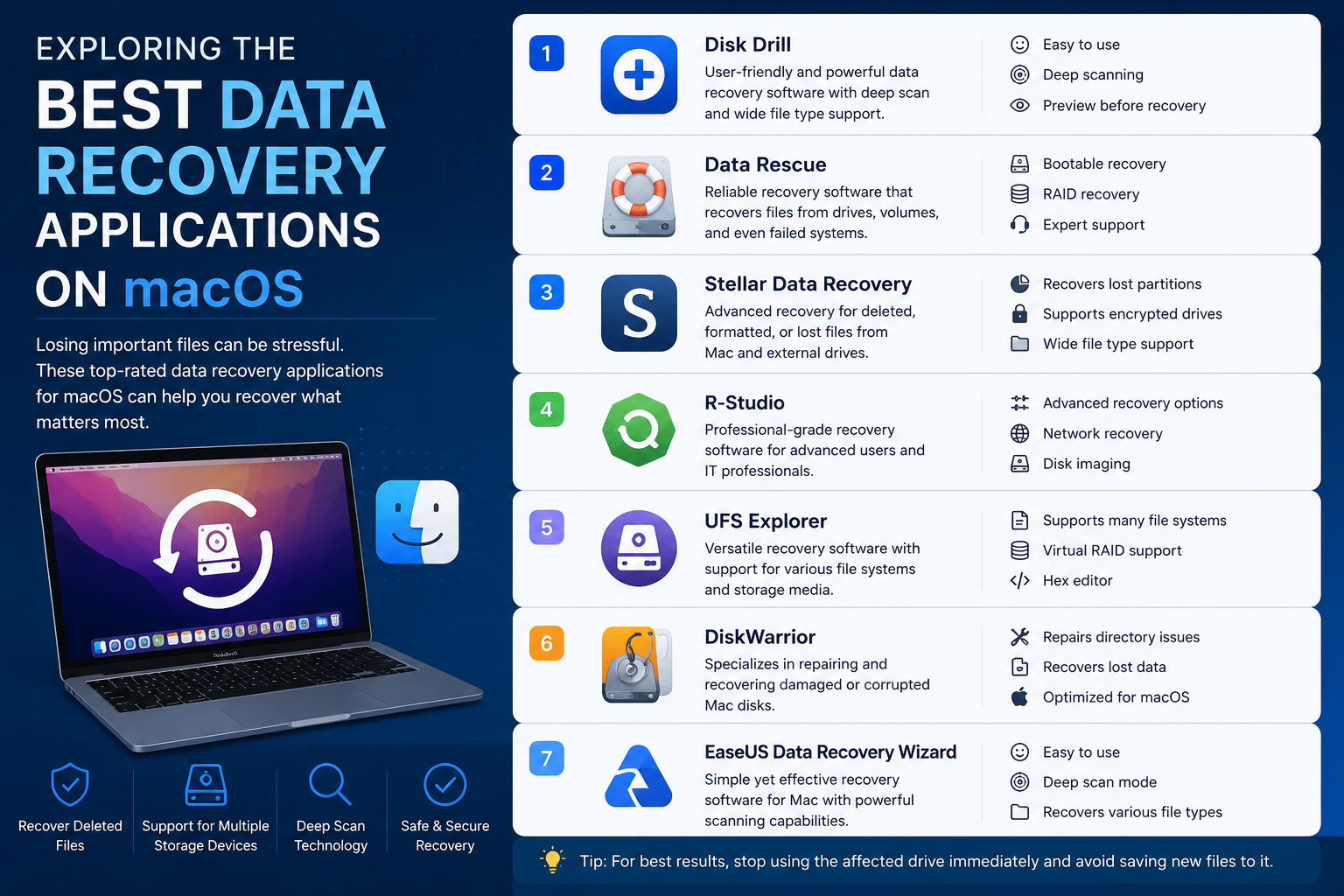
Imagine that you open your Mac, and suddenly it crashes, and the result is that you cannot open it again! This is one of the most nightmarish scenarios for Mac users, as this also means that you cannot access your data. Luckily, there are a few ways through which you can get your data back. Whether the hard drive of your Mac has failed or the device has crashed, the tools that we are mentioning here will assist you in recovering your data.
This article will provide you with the best data recovery applications that you can use on your Mac. These applications allow you to recover files Mac OS without issues, as long as your directory can easily indicate where your files were located. Once the application files the file type, it is highly possible that your data will also be recovered.
-
Notchox
Notchox is kind of centered on the usual modules you’d expect in this kind of suite: Hard Drives and Locations, and SD Card for file recovery, along with video and photo restoration.
Then there’s System Crashed Computer, NAS, and Linux, for additional recovery features. There’s a friendly home screen and a user interface that feels straightforward, and honestly, the modules seem to work as expected.
-
Stellar Data Recovery
Stellar Data Recovery for Mac leans more into recovering data through the standard scans, deep scans, drive image creation, and a few other recovery tools. It comes with a free trial, and you can pick between standard, professional, and premium editions, paid yearly or as a lifetime contract type deal. The software supports both HFS+ and APFS volume formats, and it installs pretty easily.
-
iBeeSoft Data Recovery for Mac
This useful tool is a wonderful data recovery and backup application, which is also equipped with a video repair utility tool for all AV users. The application easily allows Mac deleted files recovery, also, as you can easily use the application for storage devices, video repair, crashed Mac recovery, and file backup. The simple and intuitive interface of the tool makes it even easier and simpler for people to use it.
-
Data Rescue
Data Rescue gives you some really solid drive management and data recovery options, but the pricing is pretty steep, especially if you’re only doing this once in a while. It supports older macOS versions, and it requires macOS 10.12 (Sierra) or later.
Users can download it and grant full drive access, and the trial includes up to 1GB of data recovery for free. The company also lists a 30-day standard license, plus a more expensive professional license.
-
Disk Drill
Disk Drill Pro from Cleverfiles is meant to recover data and rebuild deleted files on Macs, and several other platforms and devices. It handles standard macOS file formats like HFS+, Mac OS Extended, and APFS. The basic version is free, and it can recover up to 500 megabytes of data. Then there’s a Pro version that supports one user and up to three simultaneous activations, paid once with an extra cost for lifetime upgrades.
You can also refer to the website Notchox to learn about other tools that you can use for data recovery.






Post Comment