Remote Virtual Desktop – What It Is and Why Businesses Are Adopting It
The modern workplace has evolved dramatically over the last few years. With remote work, hybrid teams, and global collaboration becoming the norm, businesses need technology that enables employees to work securely and efficiently from anywhere. One solution gaining widespread popularity is the remote virtual desktop.
Organizations of all sizes are moving away from traditional office-bound computing environments and embracing virtual desktop technologies that provide flexibility, security, and scalability. Whether it’s a small business looking to support remote employees or a large enterprise seeking centralized IT management, virtual desktop solutions are transforming the way people work.
In this article, we’ll explore what a remote virtual desktop is, how it works, and why businesses across industries are rapidly adopting it.
What is a Remote Virtual Desktop?
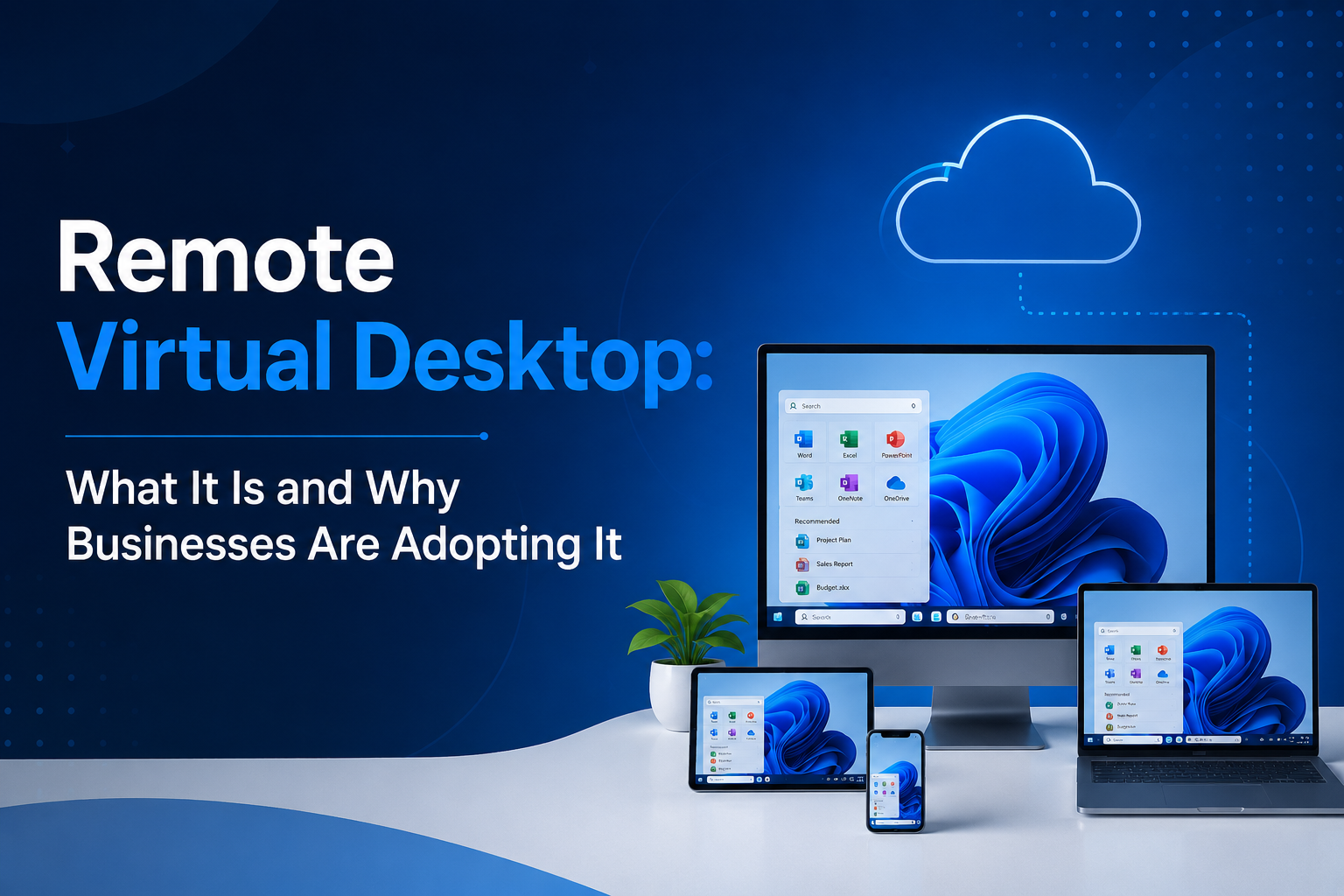
A remote virtual desktop is a cloud-hosted desktop environment that allows users to access their work computer, applications, and files from virtually any device with an internet connection. Instead of running software and storing data on a local machine, the desktop environment is hosted on centralized servers in a secure data center or cloud platform.
Users can log in through a laptop, desktop computer, tablet, or smartphone and experience the same desktop environment regardless of their physical location. This ensures continuity and productivity whether employees are working from home, traveling, or collaborating across different offices.
Unlike traditional PCs that require local software installations and maintenance, virtual desktops centralize resources, making management easier for IT teams while improving accessibility for end users.
How Does a Remote Virtual Desktop Work?
A virtual desktop infrastructure (VDI) or cloud-hosted desktop solution creates virtual machines that act as individual desktop environments. These virtual machines run on powerful servers and are delivered to users over the internet.
When a user logs in:
- The desktop session is launched from the cloud.
- Applications run on the remote server.
- Data remains stored securely within the hosting environment.
- Keyboard, mouse, and screen interactions are transmitted between the user device and the server.
Because the processing happens in the cloud, users can enjoy high performance even on older or less powerful devices.
This approach also minimizes the risk of data loss since information is stored centrally rather than scattered across multiple endpoint devices.
Why Businesses Are Adopting Remote Virtual Desktops
Here are the top reasons businesses are adopting remote virtual desktops:
1. Support for Remote and Hybrid Work
The rise of remote and hybrid work models has significantly increased demand for flexible computing solutions. Employees expect access to their work environment regardless of location.
A remote virtual desktop enables workers to securely access business applications, files, and systems from anywhere while maintaining a consistent user experience.
This flexibility helps organizations attract talent, improve employee satisfaction, and maintain productivity without requiring staff to be physically present in the office.
2. Enhanced Security
Cybersecurity remains one of the biggest concerns for businesses today. Traditional desktop environments often store sensitive information on local devices, making them vulnerable to theft, loss, or cyberattacks.
Virtual desktops improve security by keeping business data within centralized servers instead of employee devices. Additional security benefits include:
- Multi-factor authentication (MFA)
- Data encryption
- Controlled access permissions
- Automated backups
- Centralized monitoring
If a laptop is lost or stolen, sensitive information remains protected because data is not stored locally.
3. Reduced IT Complexity
Managing dozens or hundreds of physical computers can be time-consuming and expensive. Software updates, patches, troubleshooting, and hardware maintenance often consume significant IT resources.
With virtual desktops, IT administrators can:
- Deploy updates centrally
- Manage user access from a single dashboard
- Provision new users quickly
- Monitor system performance efficiently
This centralized management model reduces administrative overhead and allows IT teams to focus on strategic initiatives instead of routine maintenance.
4. Lower Hardware Costs
Traditional computing environments require businesses to regularly upgrade employee devices to keep up with software requirements.
Because virtual desktops perform most processing in the cloud, employees can continue using existing devices longer. Businesses often save money by:
- Extending device lifecycles
- Reducing hardware purchases
- Minimizing maintenance costs
- Lowering support requirements
These savings can become substantial for organizations with large workforces.
5. Improved Business Continuity
Unexpected disruptions such as natural disasters, power outages, or office closures can negatively impact business operations.
A remote virtual desktop helps ensure continuity by allowing employees to access their work environment from alternative locations whenever needed.
Since applications and data reside in the cloud, employees can continue working even if physical office infrastructure becomes unavailable.
This resilience is particularly important for organizations that depend on uninterrupted operations.
6. Scalability for Growing Businesses
Business requirements often change rapidly. Organizations may need to onboard new employees, support temporary workers, or expand into new locations.
Virtual desktop environments make scaling easier because resources can be adjusted as needed.
Companies can quickly:
- Add new users
- Increase storage capacity
- Expand computing resources
- Support seasonal workforce changes
This flexibility helps businesses adapt to growth without making large upfront investments in hardware infrastructure.
7. Better User Experience
Modern virtual desktop platforms provide a seamless user experience that closely resembles working on a local computer.
Employees can access:
- Business applications
- Shared files
- Collaboration tools
- Industry-specific software
Because users see the same desktop regardless of device, they enjoy a consistent experience that reduces confusion and improves productivity.
Many organizations also report faster onboarding times since employees can immediately access preconfigured desktop environments.
Industries Benefiting from Virtual Desktop Technology
Remote desktop solutions are valuable across many industries.
- Healthcare – Healthcare organizations use virtual desktops to provide secure access to patient information while maintaining compliance with privacy regulations.
- Accounting and Finance – Financial firms rely on virtual desktops to protect sensitive financial data while enabling secure remote work capabilities.
- Education – Schools and universities use virtual desktops to provide students and faculty with access to specialized applications from any location.
- Legal Services – Law firms benefit from centralized document management, secure file access, and enhanced compliance capabilities.
- Manufacturing – Manufacturers use virtual desktops to connect distributed teams and provide access to critical business applications across multiple facilities.
Key Considerations Before Adoption
Before implementing a virtual desktop solution, businesses should evaluate:
- Performance Requirements – Different workloads require varying levels of computing power. Understanding user requirements helps ensure optimal performance.
- Security Needs – Organizations should select solutions that support strong security controls, compliance requirements, and access management policies.
- Internet Connectivity – Reliable internet access is essential for delivering a smooth virtual desktop experience.
- Scalability Goals – Businesses should choose a platform capable of supporting future growth and changing operational needs.
- Support Services – Working with an experienced hosting provider can simplify deployment, management, and ongoing support.
Conclusion
A remote virtual desktop provides businesses with a secure, flexible, and scalable way to support modern work environments. By centralizing applications and data in the cloud, organizations can improve security, simplify IT management, reduce costs, and empower employees to work productively from anywhere.
As remote and hybrid work continue to shape the future of business, adopting a remote virtual desktop solution can help organizations remain competitive and resilient. Providers such as Apps4Rent offer fully managed virtual desktop hosting solutions that enable businesses to leverage cloud technology while ensuring reliability, security, and expert support. Whether you’re a small business or a growing enterprise, Apps4Rent can help you build a modern digital workspace tailored to your operational needs.
Frequently Asked Questions
1. What is a remote virtual desktop?
A remote virtual desktop is a cloud-hosted desktop environment that allows users to access their applications, files, and settings from any internet-connected device. The desktop runs on remote servers rather than a local computer.
2. Is a remote virtual desktop secure?
Yes. Most remote virtual desktop solutions include advanced security features such as data encryption, multi-factor authentication (MFA), centralized access controls, and secure cloud storage to protect business data.
3. What devices can be used to access a remote virtual desktop?
Users can access a remote virtual desktop from Windows PCs, Macs, laptops, tablets, smartphones, and thin clients, provided they have an internet connection and the appropriate client software.
4. Which businesses benefit most from remote virtual desktops?
Industries such as accounting, healthcare, legal services, education, finance, and manufacturing commonly use remote virtual desktops to support remote work, improve security, and simplify IT management.
5. How does a remote virtual desktop help reduce IT costs?
A remote virtual desktop reduces hardware expenses, minimizes device maintenance, centralizes software updates, and lowers IT administration costs by allowing businesses to manage desktops from a single cloud-based platform.




Post Comment